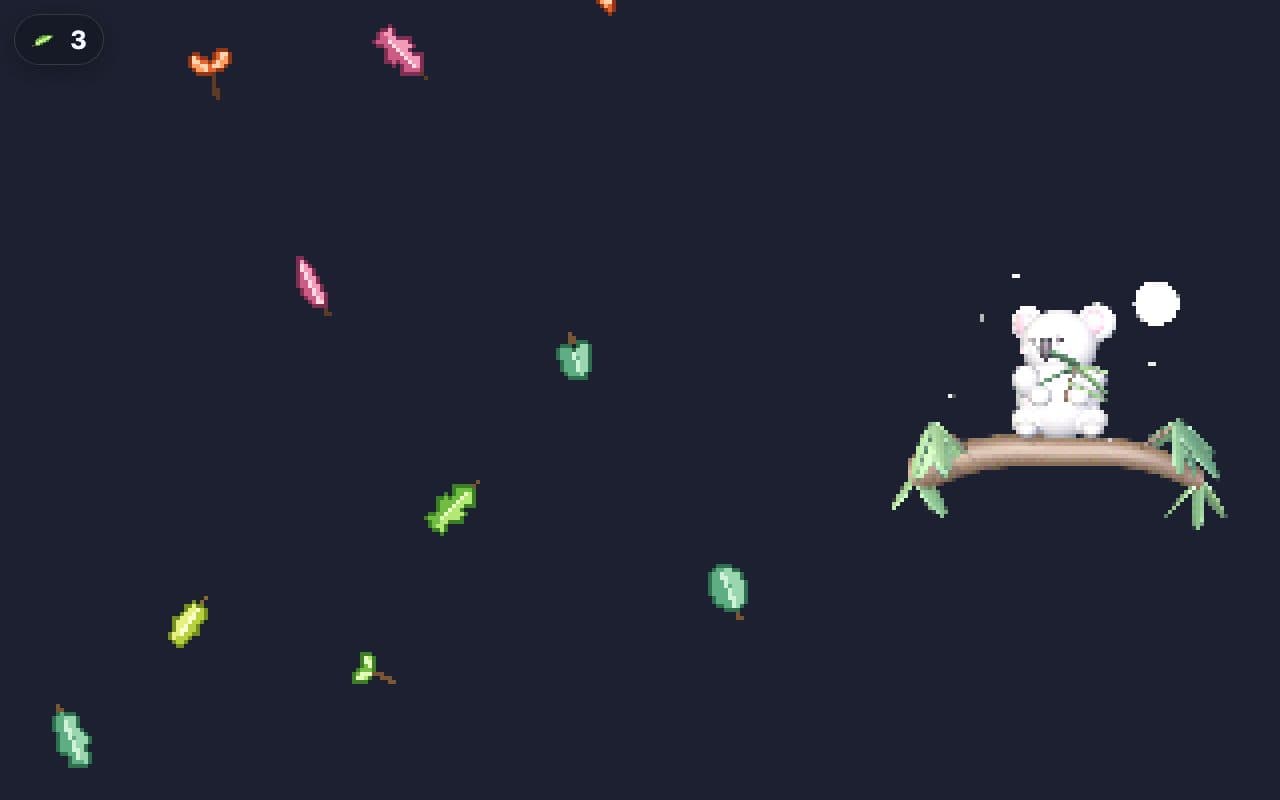
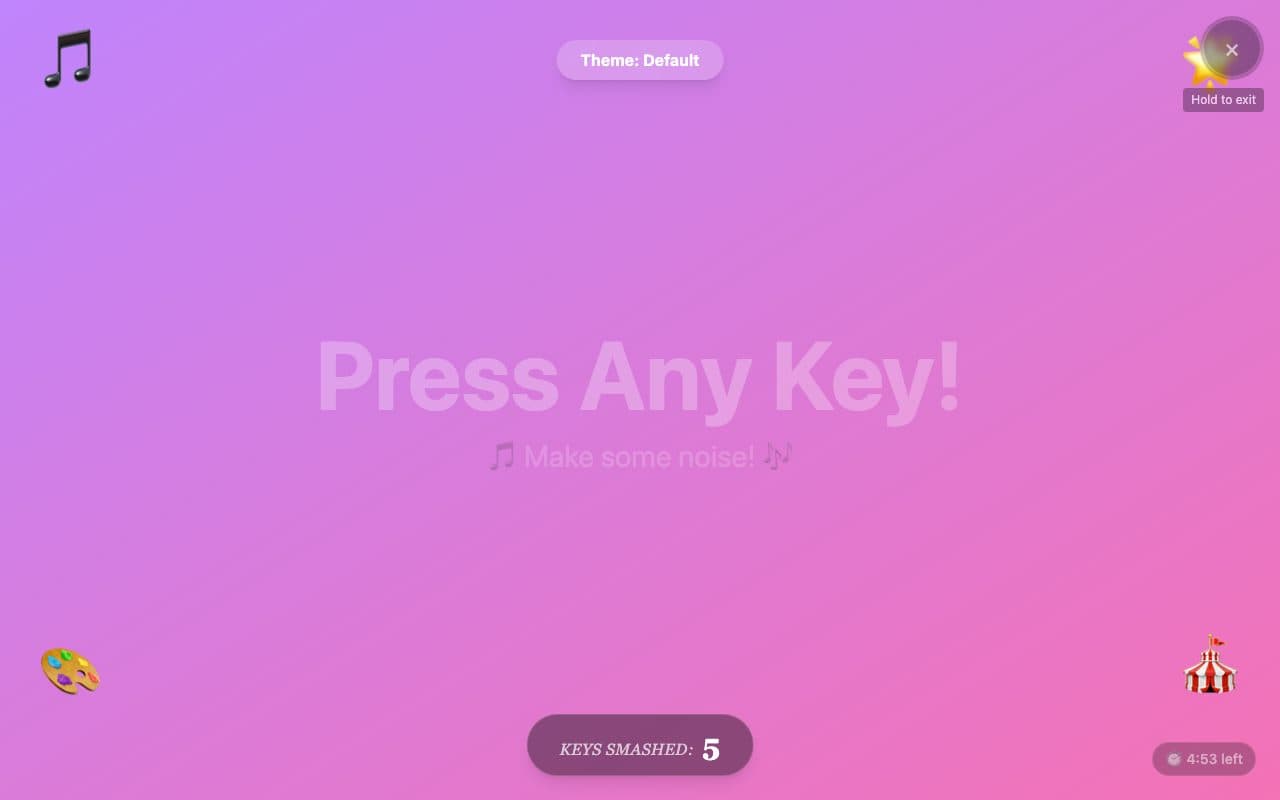
Keyboard smash
BabySmash.app
Shapes and surprise animals on a night sky, made by a dad and open source.
FullscreenNo ads in playTouchNo sign-upNo parent lock
Opens babysmash.app in a new tab. It is their site, not ours; we only link to it and review it. Nothing is embedded here and no ads of ours will appear there.
- Ages6 months to 2 years
- PriceFree
- PlatformsWeb browser
- Last checkedSeptember 5, 2026
What it is like
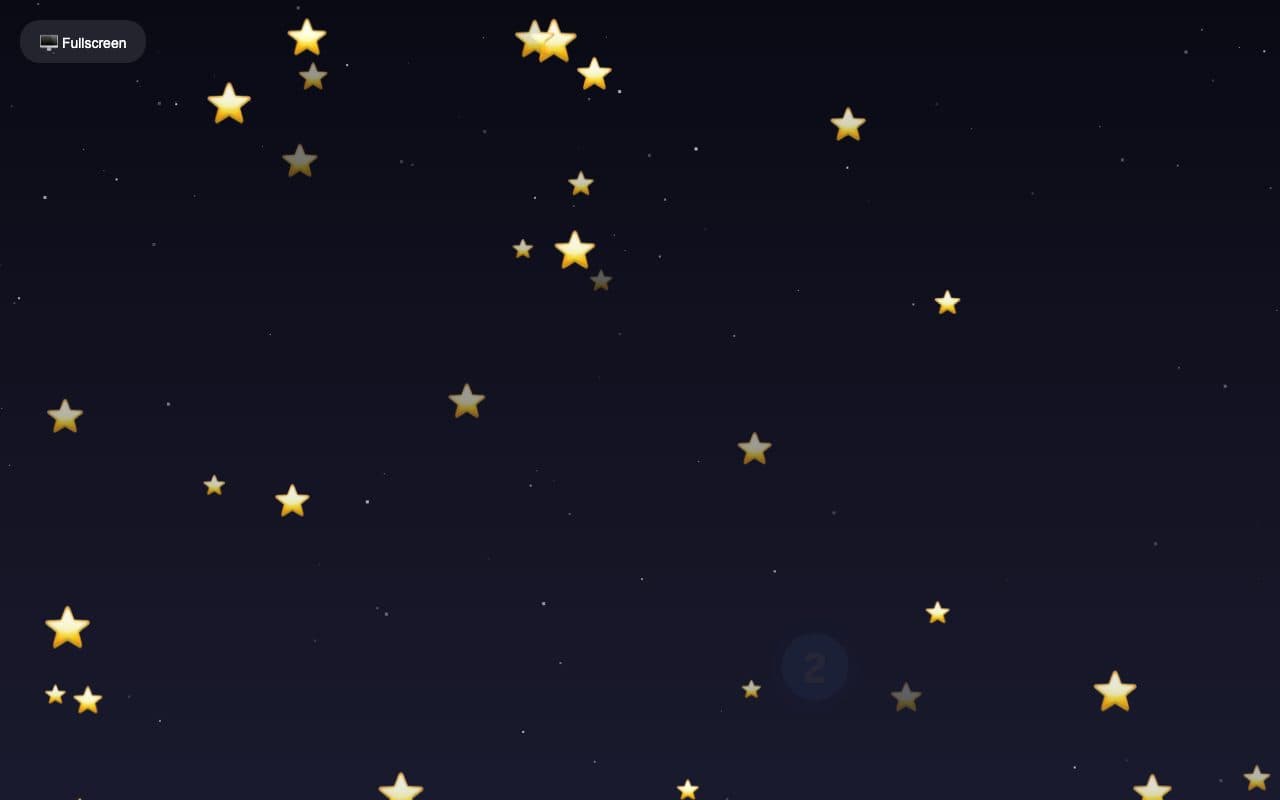
BabySmash.app is a small, friendly web toy: stars and shapes appear with each press, a random animal turns up now and then, and a single Fullscreen button does what it says. The site is unusually open about itself, with a privacy page and a note that it was built by a parent. It does not try to lock the screen; instead it points you at Guided Access on iPad or screen pinning on Android, which is honest and works.
What we liked
- One-tap Fullscreen button
- Free and open source
- Works on any device with a browser
- A privacy page that explains what is collected
What to know
- No built-in parent lock; the site suggests Guided Access or screen pinning instead
- Google Analytics
- Simpler visuals than the leaders
Verdict
Charming and honest; pair it with your device's kid mode.
Best for: An iPad in Guided Access.
Feature check
- FullscreenYes. Fills the screen so browser buttons are out of reach.
- Parent lockNo. Leaving needs a deliberate action a toddler will not stumble on.
- No ads in playYes. We saw no advertising on the play screen.
- TouchYes. Works by tapping on phones and tablets.
- SoundsNot verified. Makes a sound on each press.
- Letters & numbersNot verified. Shows the letter or number that was pressed.
- Works offlineNot verified. Keeps working without a connection once loaded.
- No sign-upYes. Nothing to register for or log in to.