Keyboard smash
TinyFingers
The most popular keyboard smash toy, with themes and a proper parent lock.
FullscreenParent lockNo ads in playTouchSounds
Opens tinyfingers.net in a new tab. It is their site, not ours; we only link to it and review it. Nothing is embedded here and no ads of ours will appear there.
- Ages6 months to 3 years
- PriceFree
- PlatformsWeb browser
- Last checkedSeptember 5, 2026

What it is like
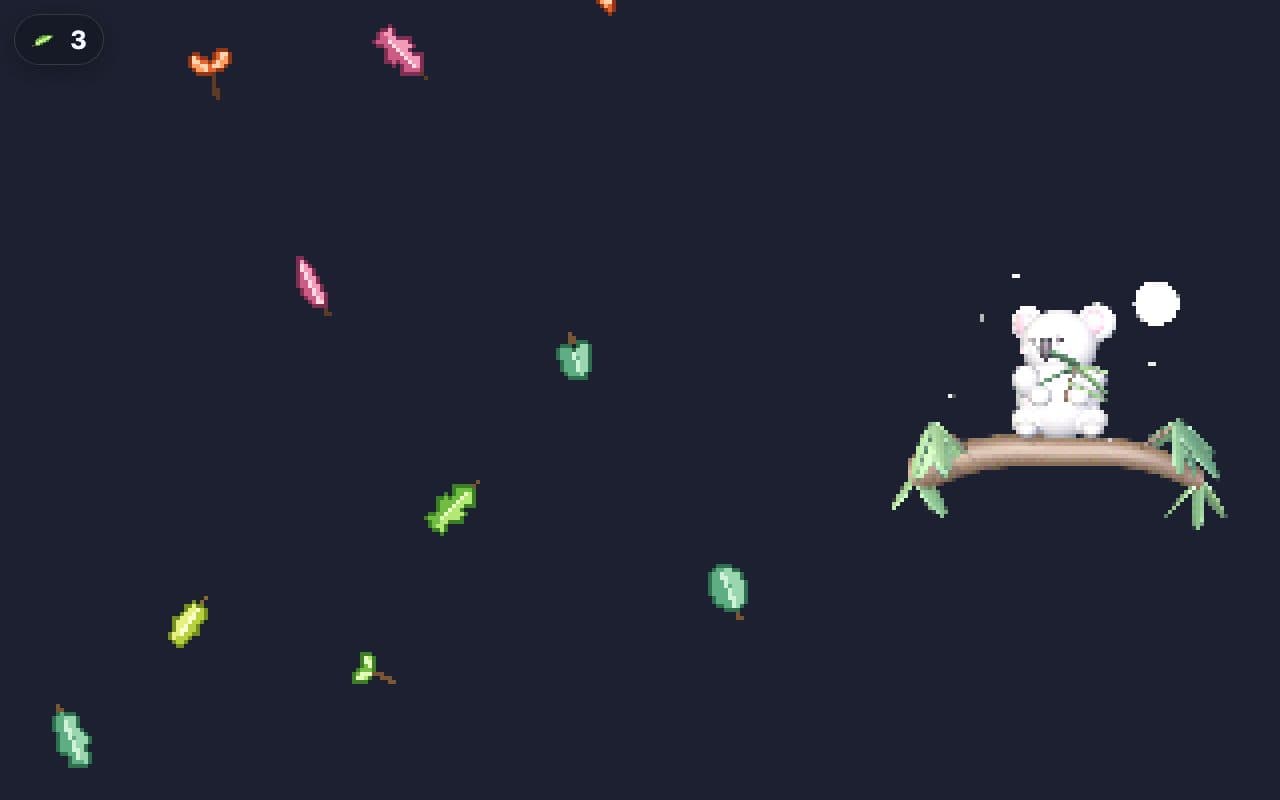
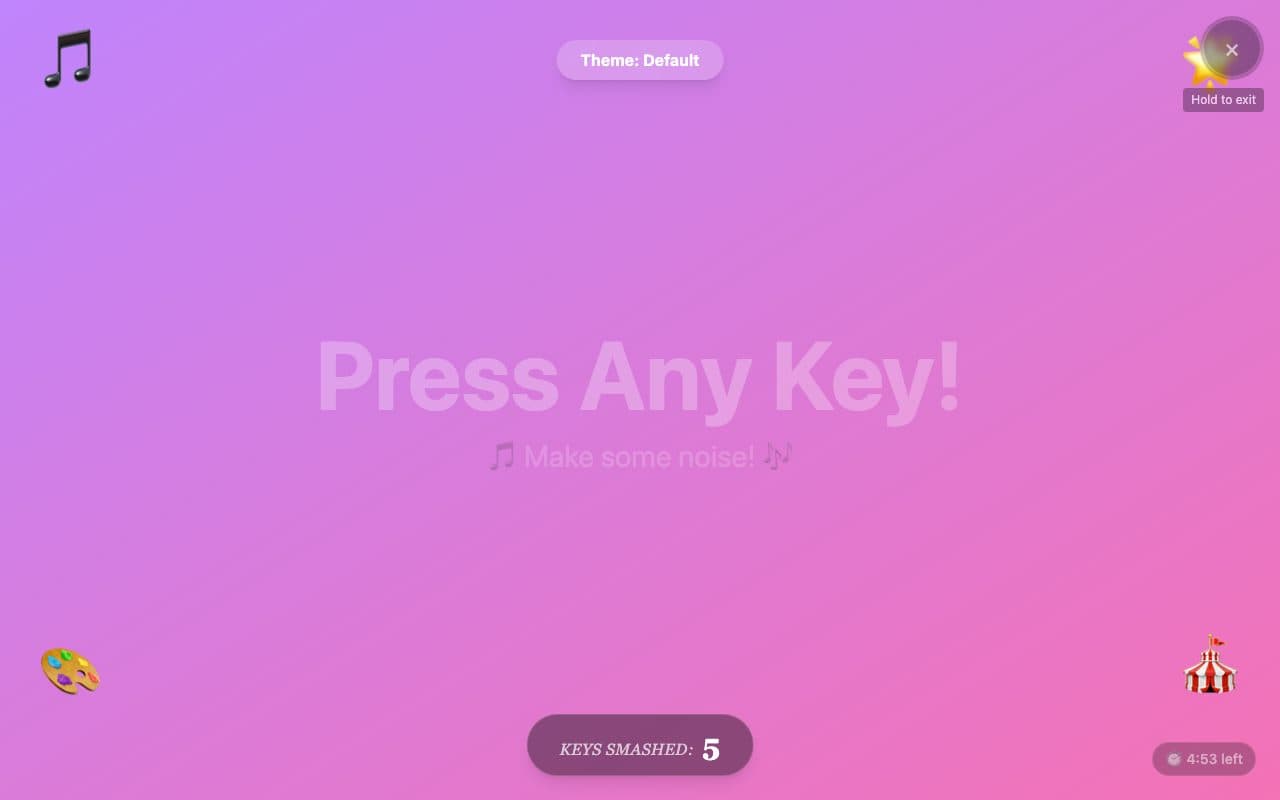
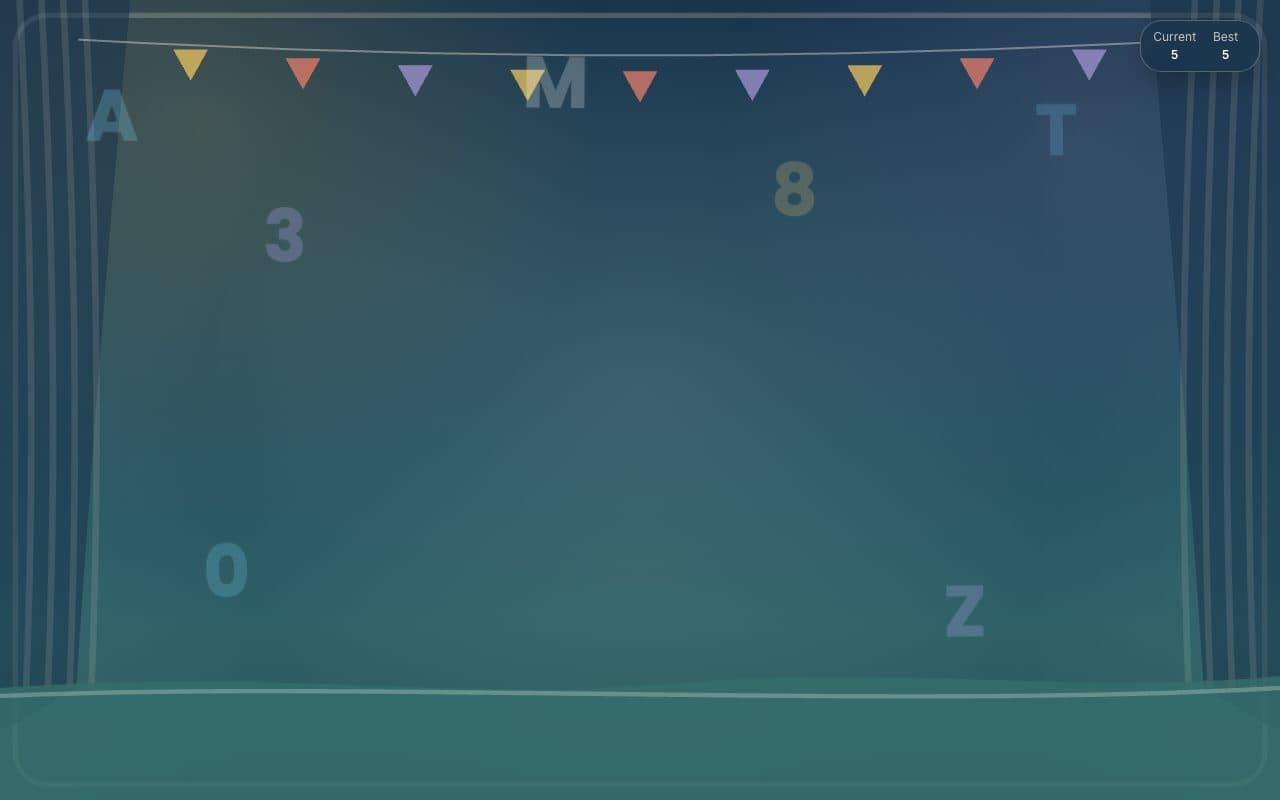
TinyFingers is the site most parents land on first, and for good reason. It goes fullscreen, every key, tap or click sets off a burst of colour and sound, and a counter keeps score of the chaos. Themes change the whole mood; the night-sky one is genuinely calming. Getting out takes a deliberate move (hold the top-left corner for two seconds or type the word "parent"), which is exactly what you want from a toy you hand to a one-year-old.
What we liked
- Locks into fullscreen with a hidden exit: hold the top-left corner for two seconds or type "parent"
- Several themes, including a calm night sky and a full-on confetti mode
- Works with keys, taps and mouse clicks
- No ads or sign-up anywhere we could find
What to know
- Runs Google Analytics in the background
- The site changes often thanks to its big social following, so glance at the parent panel each visit
Verdict
The safe default. If you only try one keyboard smash site, try this one.
Best for: The first site to try, on any device.
Feature check
- FullscreenYes. Fills the screen so browser buttons are out of reach.
- Parent lockYes. Leaving needs a deliberate action a toddler will not stumble on.
- No ads in playYes. We saw no advertising on the play screen.
- TouchYes. Works by tapping on phones and tablets.
- SoundsYes. Makes a sound on each press.
- Letters & numbersNot verified. Shows the letter or number that was pressed.
- Works offlineNot verified. Keeps working without a connection once loaded.
- No sign-upYes. Nothing to register for or log in to.