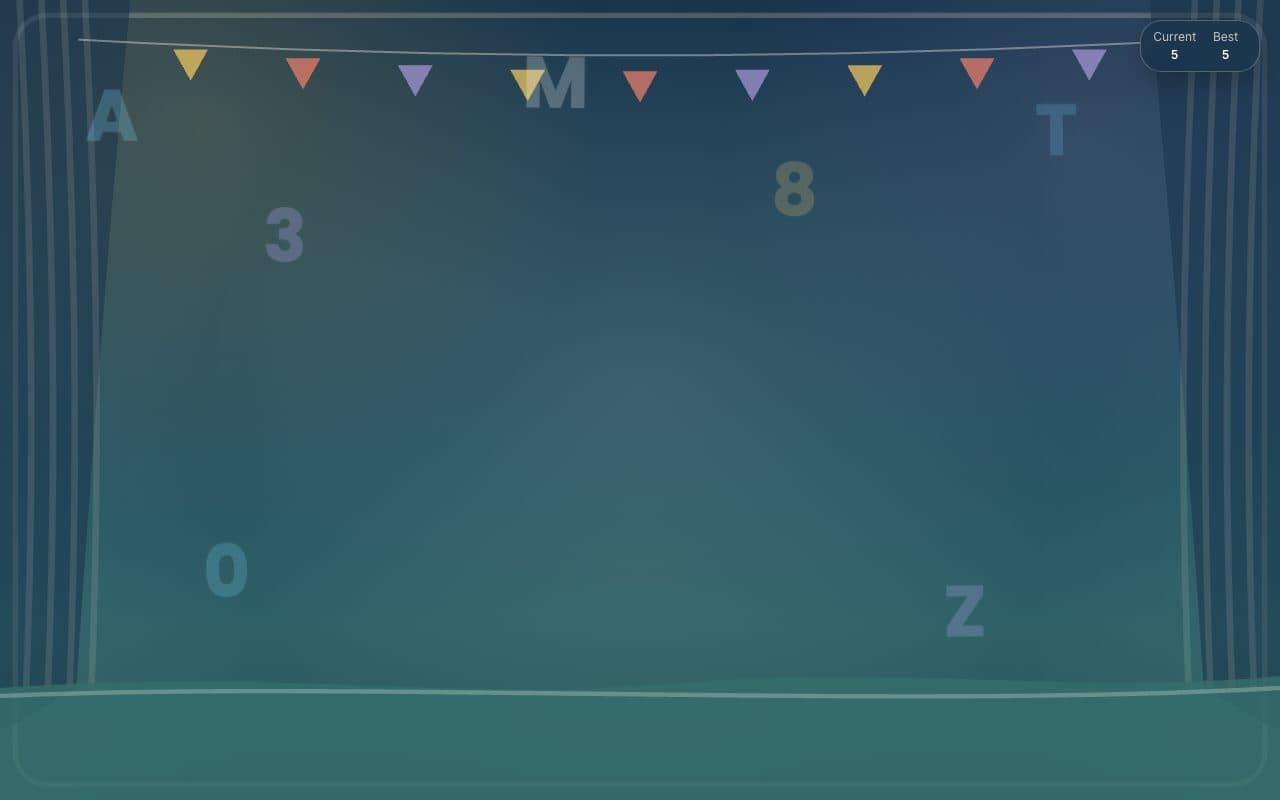
Keyboard smash
ToddlerSmash
A bright, simple smasher with a hold-to-exit button and a built-in timer.
FullscreenParent lockNo ads in playSoundsNo sign-up
Opens toddlersmash.com in a new tab. It is their site, not ours; we only link to it and review it. Nothing is embedded here and no ads of ours will appear there.
- Ages6 months to 3 years
- PriceFree
- PlatformsWeb browser
- Last checkedSeptember 5, 2026
What it is like
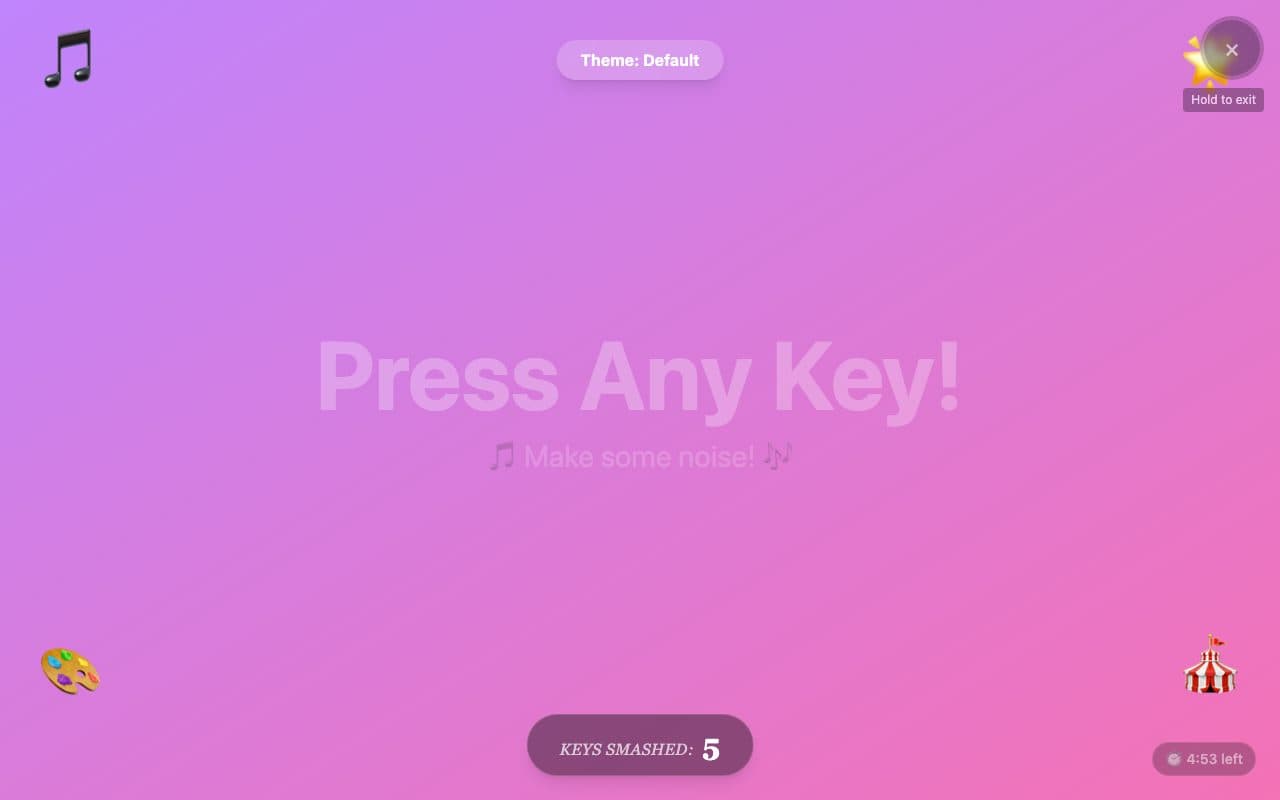
ToddlerSmash opens straight into a pastel gradient that says "Press any key" and gets louder and busier as the smashing starts. Two details stand out: the close button has to be held down, so a stray tap does not end the session, and a small timer counts down from five minutes, which makes a natural stopping point. Themes swap the palette and the sound set.
What we liked
- Hold-to-exit button, so random taps cannot close it
- Five-minute session timer built in
- Theme picker with matching sounds and animations
- No ads or sign-up seen
What to know
- Google Analytics runs on the page
- Fewer visual modes than TinyFingers
- We have not verified how well it works with touch
Verdict
A solid runner-up with the most sensible timer of the bunch.
Best for: Parents who want a clear "time is up" moment.
Feature check
- FullscreenYes. Fills the screen so browser buttons are out of reach.
- Parent lockYes. Leaving needs a deliberate action a toddler will not stumble on.
- No ads in playYes. We saw no advertising on the play screen.
- TouchNot verified. Works by tapping on phones and tablets.
- SoundsYes. Makes a sound on each press.
- Letters & numbersNot verified. Shows the letter or number that was pressed.
- Works offlineNot verified. Keeps working without a connection once loaded.
- No sign-upYes. Nothing to register for or log in to.