Desktop app
Baby Smash! (Windows)
The 2008 original: a free, open-source Windows app that locks the keyboard.
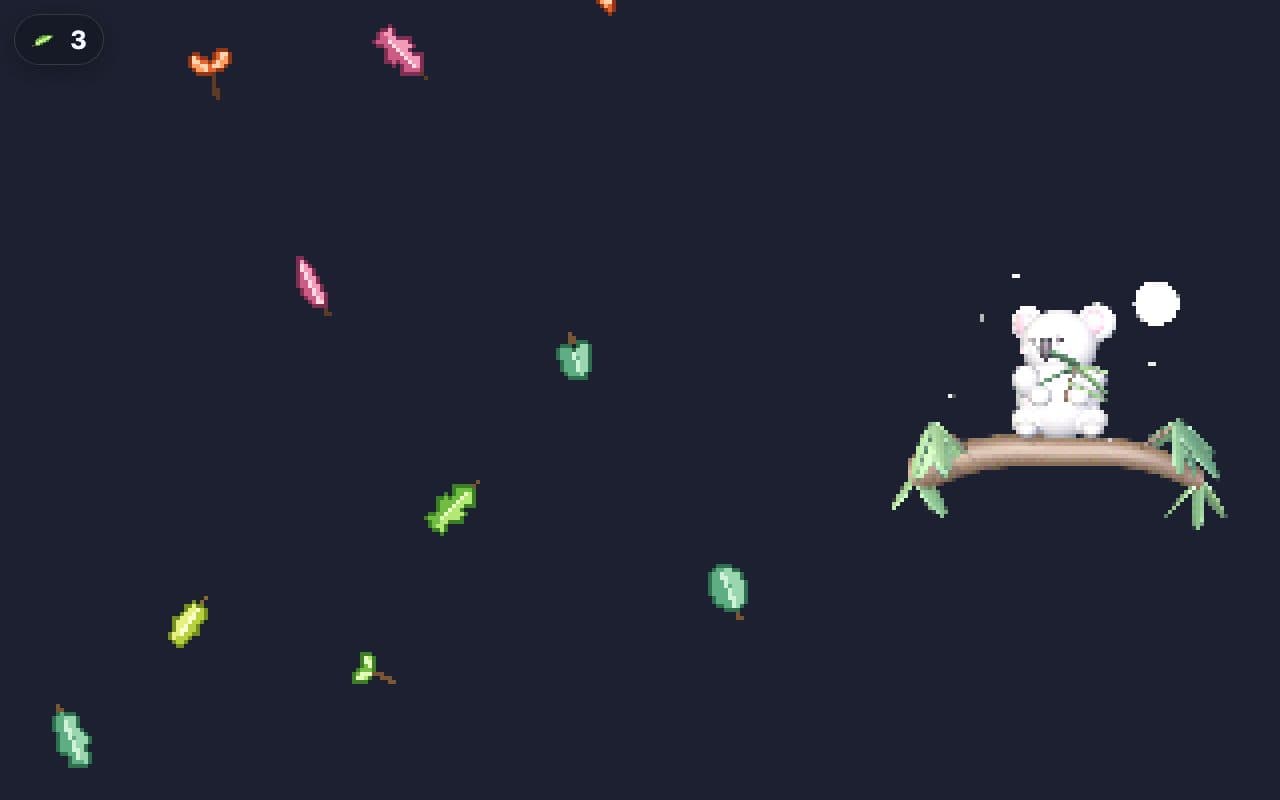
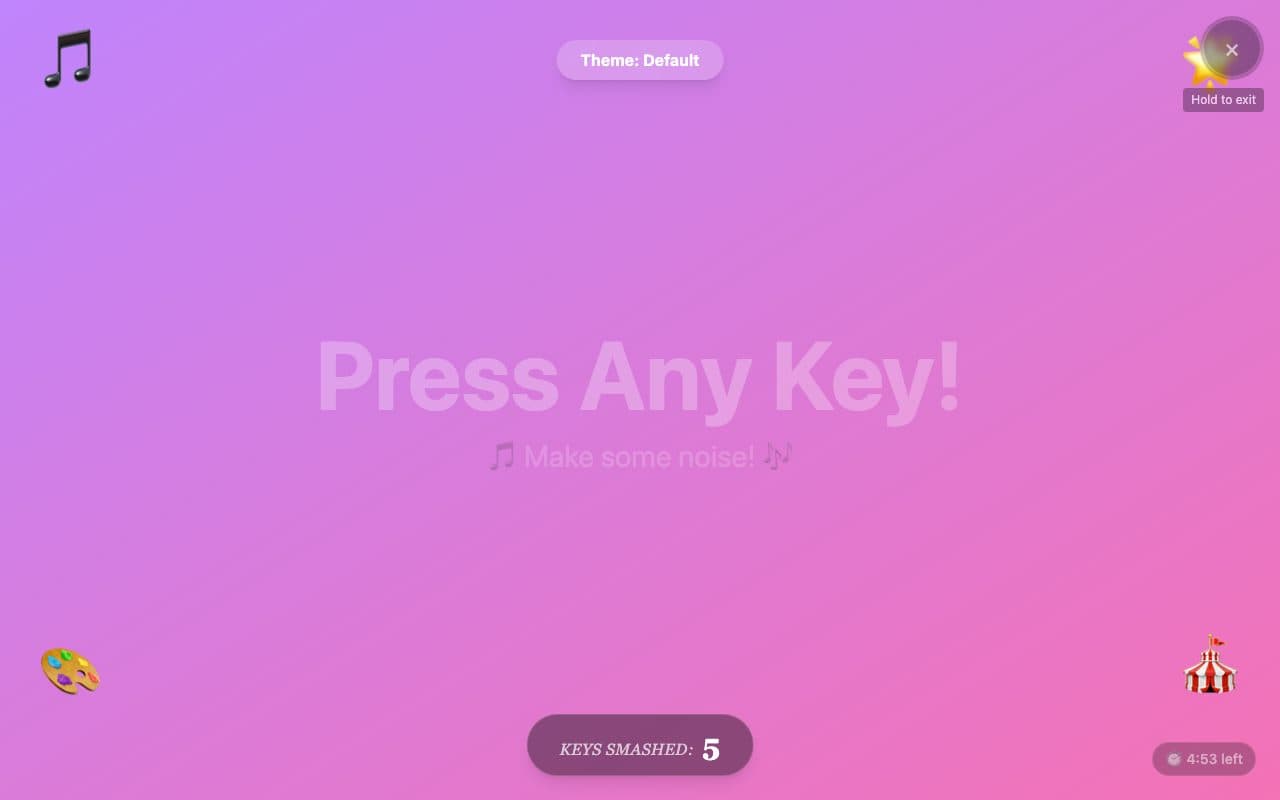
FullscreenParent lockNo ads in playSoundsLetters & numbers
Opens babysmash.com in a new tab. It is their site, not ours; we only link to it and review it. Nothing is embedded here and no ads of ours will appear there.
- Ages6 months to 3 years
- PriceFree
- PlatformsWindows
- Last checkedSeptember 5, 2026
What it is like
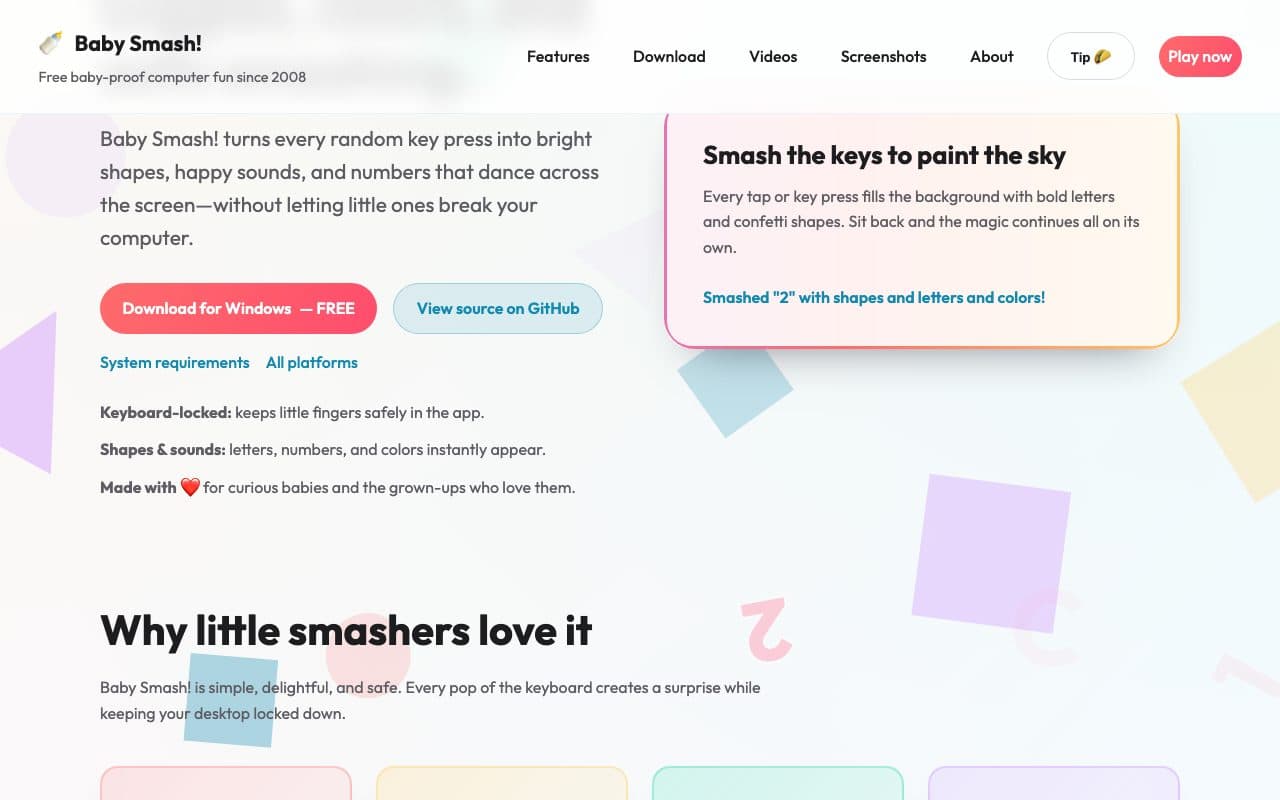
Baby Smash! is where the whole genre started. It is a Windows program, not a web page, and that is its strength: once running it takes over the screen and keyboard, so a toddler cannot reach the desktop, the browser or the Windows key. Every press makes a shape, letter or number with a sound. It is free and open source, still maintained, and the website has a small browser mini-game so you can see the idea before installing anything.
What we liked
- Runs as a real app, so nothing else on the PC can be reached
- Free and open source, maintained since 2008
- Shapes, letters, numbers and sounds
- A browser mini-game on the website lets you try the idea first
What to know
- Windows only
- Needs a download and install
- The web mini-game is a demo, not the full experience
Verdict
Still the strongest lockdown you can get on a Windows machine.
Best for: A Windows laptop that the toddler has already found.
Feature check
- FullscreenYes. Fills the screen so browser buttons are out of reach.
- Parent lockYes. Leaving needs a deliberate action a toddler will not stumble on.
- No ads in playYes. We saw no advertising on the play screen.
- TouchNot verified. Works by tapping on phones and tablets.
- SoundsYes. Makes a sound on each press.
- Letters & numbersYes. Shows the letter or number that was pressed.
- Works offlineYes. Keeps working without a connection once loaded.
- No sign-upYes. Nothing to register for or log in to.